Green live wallpapers for Mac
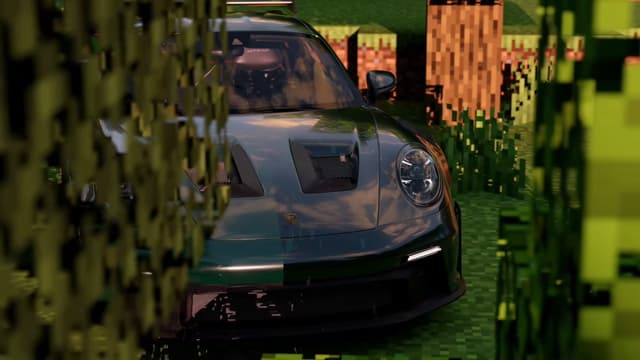
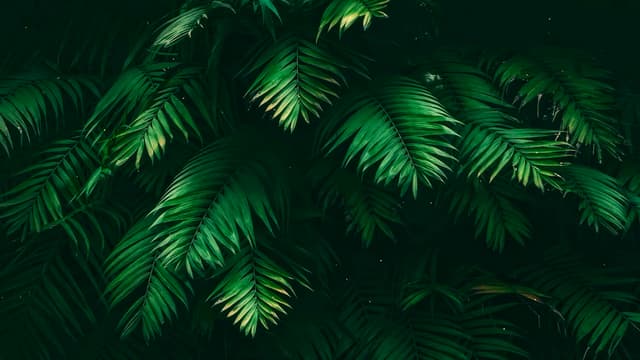
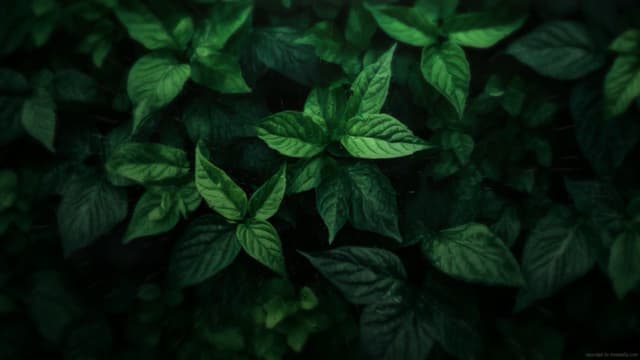
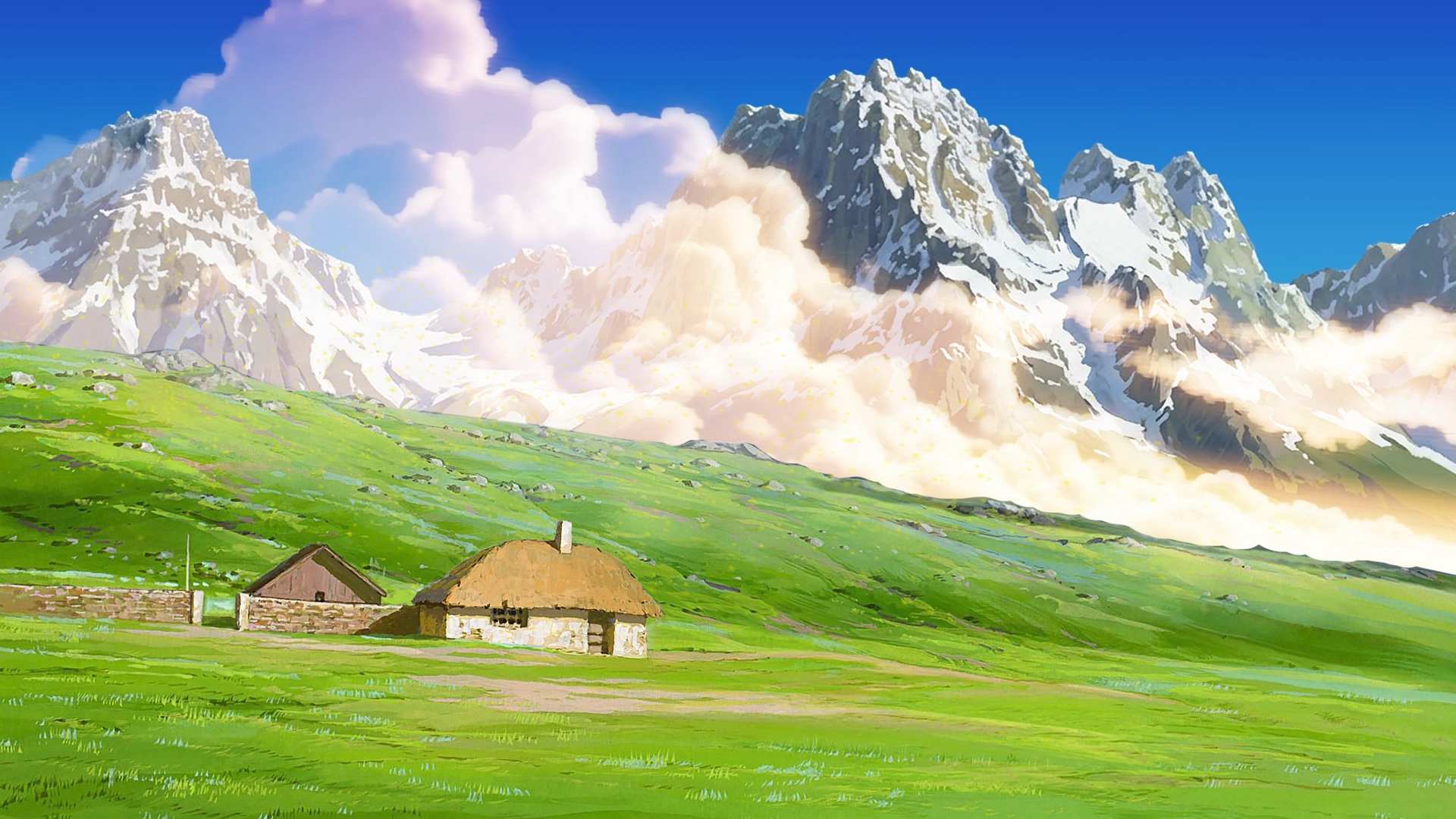
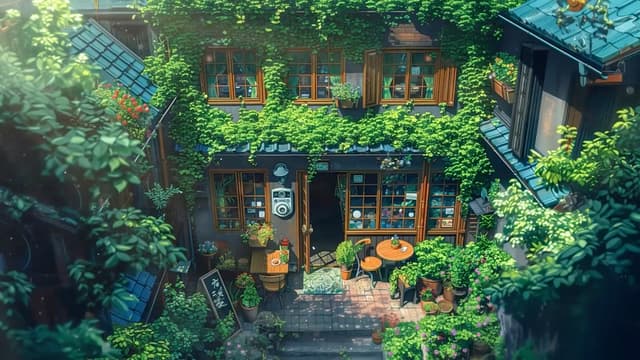
From deep foliage to fern leaves and ivy-covered cafes, these loops share one thing: green is a main colour in the frame. Nature scenes lead the set, joined by cars and characters that happen to wear the colour well.
Download free for MacFree for 24 hours, then Was $12.99 $9.09 once.
Love these?Like these on your Mac? Free for 24 hours.
Download free for Mac60 wallpapers · up to 4K · updated as new loops publish
















How to set a Green live wallpaper on Mac
- Download MacWall and drag it to Applications. It runs on Apple Silicon and Intel Macs with macOS 15 or later (for Mac only, not Windows).
- Pick any Green wallpaper above to preview the loop, its resolution, and its length.
- Choose Set on Mac. MacWall opens that wallpaper and applies it to your desktop, on one display or all of them.
- Optional: with Pro on macOS 26 (Tahoe) or later, use the same loop on your Lock Screen and as a Screen Saver.
Why Green wallpapers look better in MacWall
- Real video, not a GIF: loops play at full frame rate and up to 4K, decoded on Apple's media engine instead of the CPU.
- Battery-aware: Pause behind full-screen apps is on by default, and playback stops while the display sleeps. Turn on Pause on battery and it holds the frame whenever your Mac is unplugged and plays again when you plug it in. See live wallpaper CPU and battery use.
- Every display: sync one loop across monitors or give each screen its own wallpaper.
- One payment: every Mac gets a free 24-hour trial; the full catalog then stays unlocked with a one-time Pro license, no subscription. See pricing for your region.
Looking for more? Browse the full Nature category, every live wallpaper collection, or read how to set a live wallpaper on Mac.
Frequently asked questions
- How are green wallpapers picked?
- By each wallpaper's measured colour palette as well as its name and tags, so a loop appears here when green is one of its main colours, not just a word in its title.
- How do I set a Green live wallpaper on my Mac?
- Download MacWall, open any Green wallpaper on this page, and choose Set on Mac. The app opens that wallpaper and applies it to your desktop. You can also find it inside the app by searching for "Green".
- How many Green wallpapers are there?
- 60 Green wallpapers are in the MacWall catalog right now, and the list updates automatically as the community publishes new loops.
- Do Green live wallpapers work on MacBook Air and MacBook Pro?
- Yes. MacWall runs on Apple Silicon and Intel Macs with macOS 15 or later, decodes video in hardware, and pauses automatically behind full-screen apps.
Your desktop is a minute away from moving.
Install the app, pick a wallpaper, set it. No account needed.
Minimum macOS 15.0 or later