Space live wallpapers for Mac
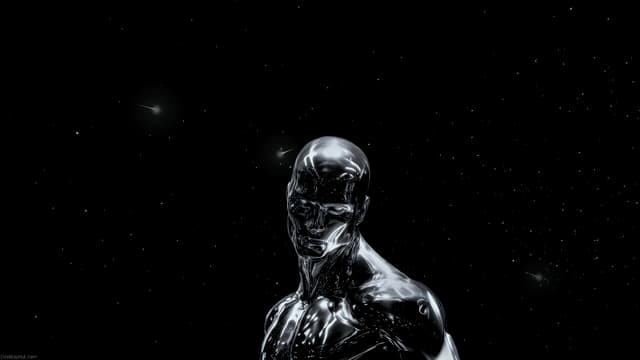
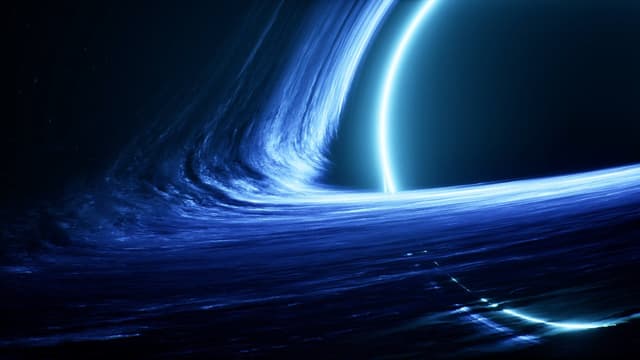
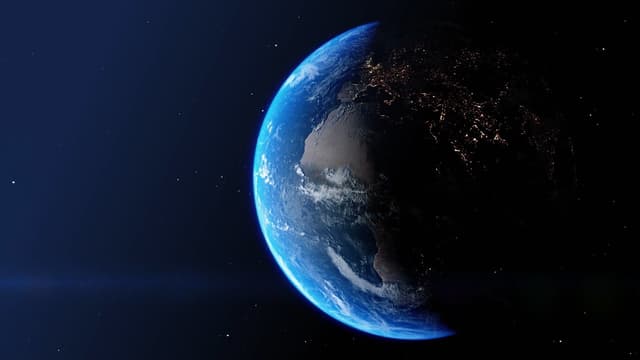
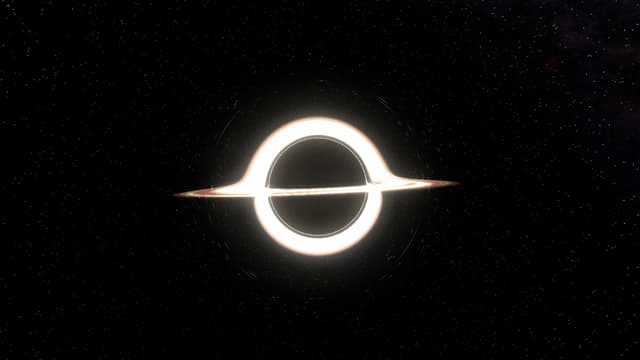
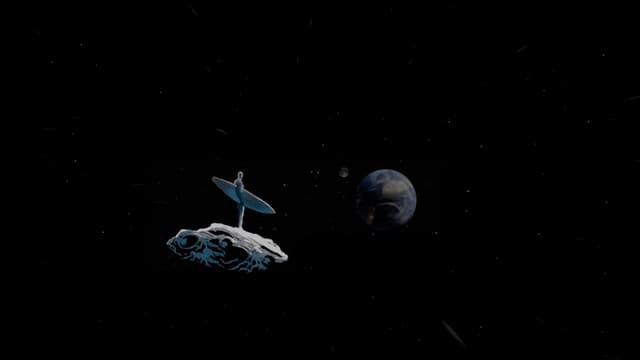
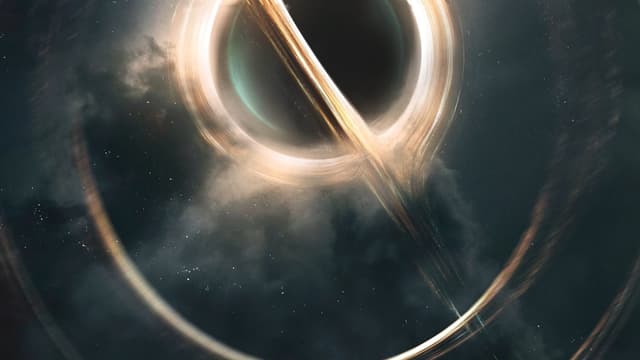
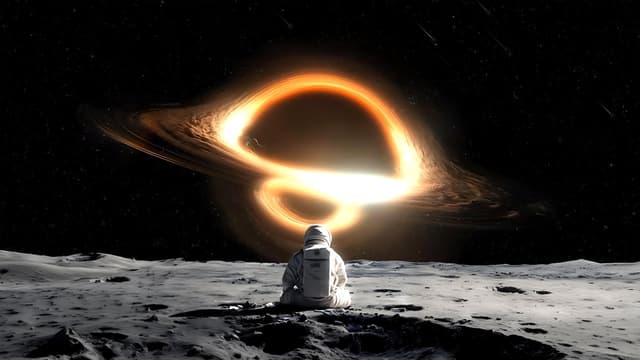
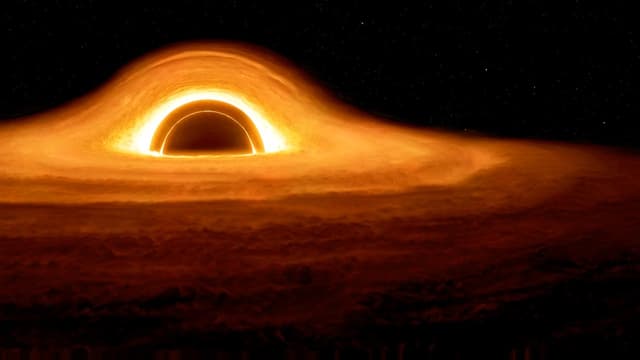
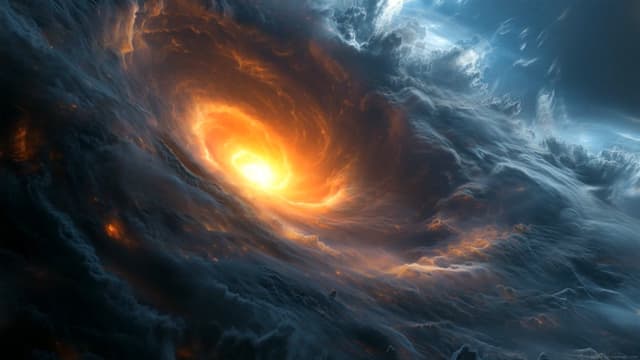
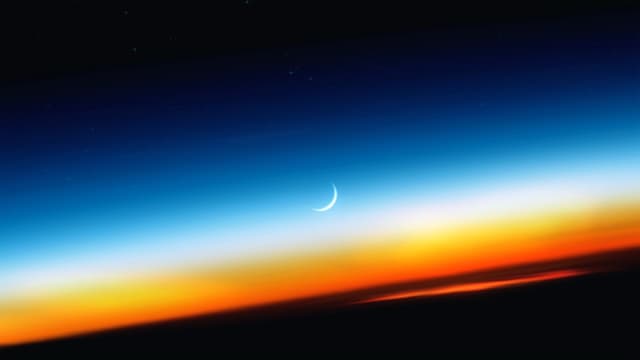
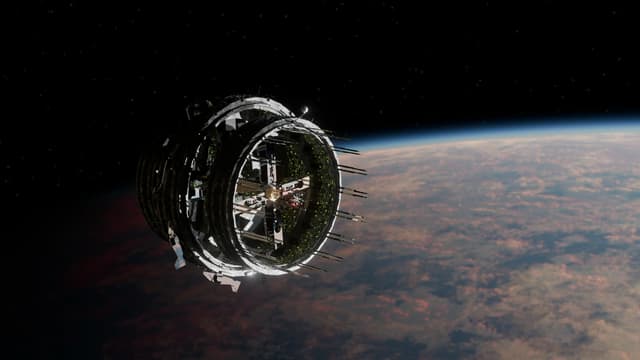
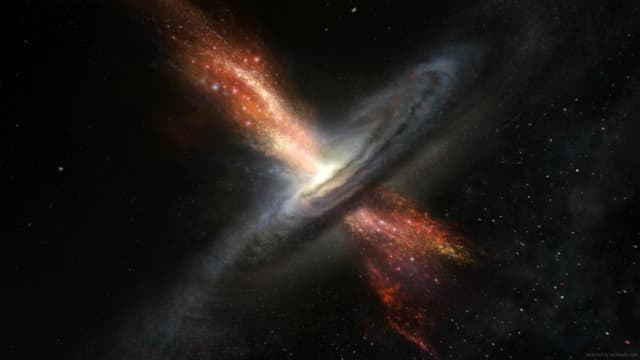
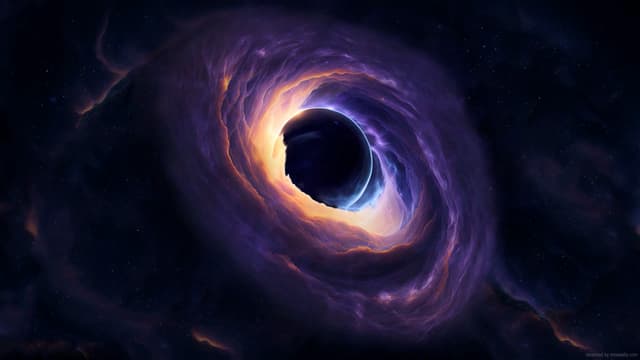
Space live wallpapers put slow cosmic motion behind your windows: a black hole's accretion disk turning, a nebula drifting, Earth rolling under an orbital station, an astronaut floating past. They are part of MacWall's catalog of 1,000+ live wallpapers, with collections for galaxies, black holes and the Moon. Mostly dark, these scenes sit well with macOS dark mode and keep desktop icons easy to read. MacWall plays them on macOS 15 Sequoia or later; on macOS 26 Tahoe or later the same loop can run on the Lock Screen and as the screen saver. Preview any loop on this page, then download MacWall, open the wallpaper and click Set Wallpaper. The gallery here has all 48 space loops, most popular first.
Love these?Like these on your Mac? Free for 24 hours.
Download free for Mac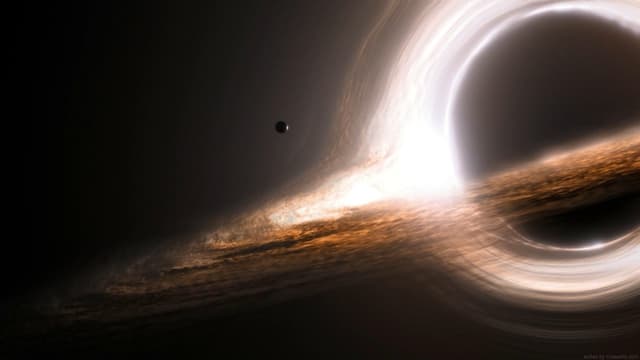
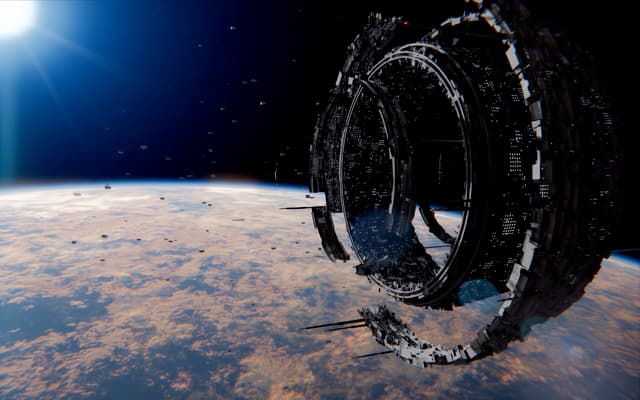

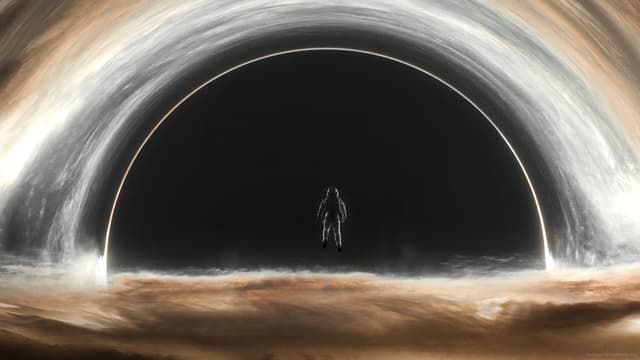
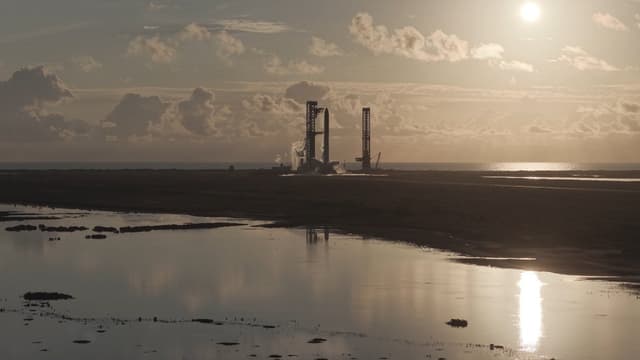
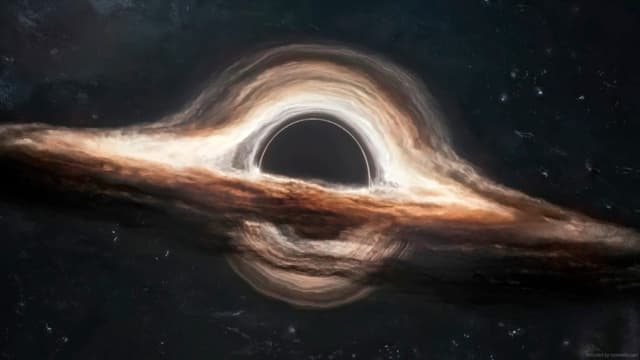




How to set one on your Mac
- Download MacWall for macOS 15 or later and start the free 24-hour trial; it asks for an email address, never a card.
- Open a space wallpaper on this page and click Set on Mac, or find it under Space in the app.
- Click Set Wallpaper. To give another display its own loop, open the menu next to Set Wallpaper and choose the display.
- On macOS 26 Tahoe or later, the same loop also plays on the Lock Screen and as the screen saver. The Lock Screen guide covers the options.
Collections in this category: Galaxy, Black Hole and Moon. Comparing apps first? See live wallpaper apps for Mac, compared.
Frequently asked questions
- Is there a black hole live wallpaper for Mac?
- Yes. The Black Hole collection on this page gathers MacWall's black hole loops, from glowing accretion disks to eclipses and collisions, and each one plays as a looping video on macOS 15 or later.
- Can I use a space wallpaper as my Mac screen saver?
- Yes, on macOS 26 Tahoe or later: the wallpaper you set in MacWall also plays as the screen saver. macOS starts the screen saver after the idle time you choose in System Settings > Wallpaper > Screen Saver.
Your desktop is a minute away from moving.
Install the app, pick a wallpaper, set it. No account needed.
Minimum macOS 15.0 or later