MacBook Neo wallpapers, live and in 4K
Live wallpapers for the 13-inch MacBook Neo, picked by resolution to fill its 2408 × 1506 screen. Preview every 4K loop free, then set it with MacWall.
Love these?Like these on your Mac? Free for 24 hours.
Download free for Mac893 loops fit the MacBook Neo · 24 picked for this page
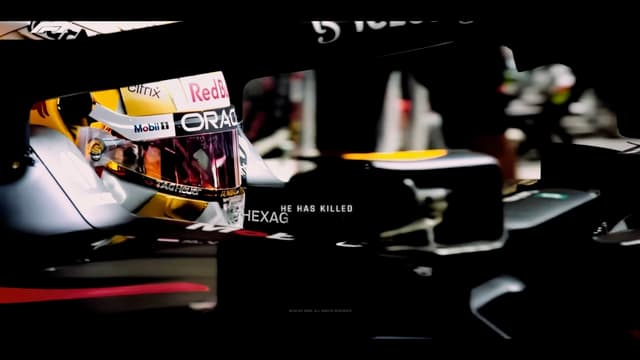

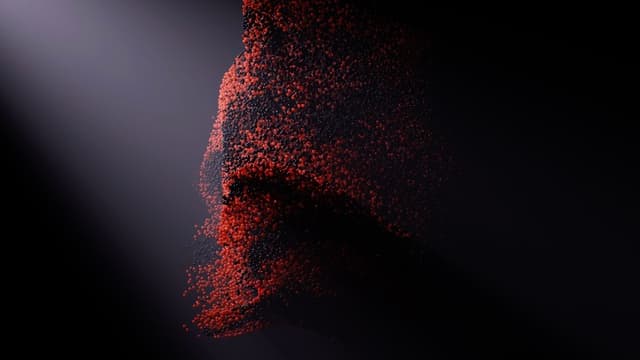

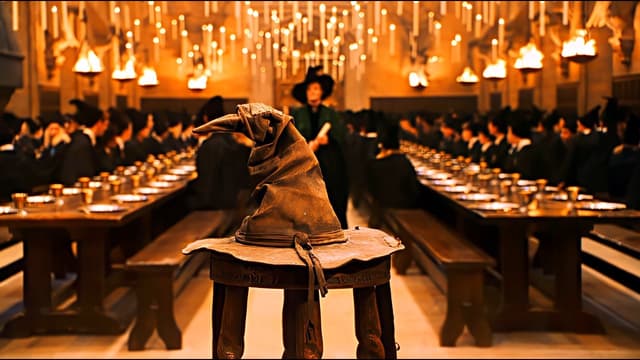





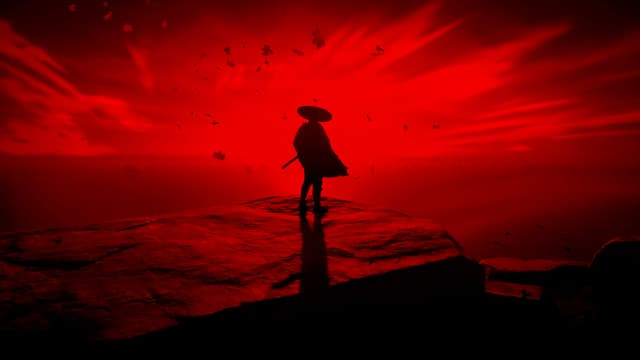












According to Apple's tech specs, the MacBook Neo (13-inch) is 2408 × 1506 pixels. A live wallpaper encoded at 2408 × 1506 or larger fills the MacBook Neo screen at native resolution. 893 wallpapers in the MacWall catalog fill it at native resolution or with no more than 5% upscaling.
| Display | Screen | Native resolution | Aspect ratio | Pixels per inch | Loops that fit |
|---|---|---|---|---|---|
| MacBook Neo (13-inch) | 13-inch | 2408 × 1506 | 16:10 | 219 | 893 |
A 4K loop (3840 × 2160) is larger than the MacBook Neo screen, so it is scaled down, never up, and stays sharp. The grid mixes the most-liked loops that fit, in an order picked for this page, so it shows a different set from the 4K page and the other MacBook pages.
The MacBook Neo screen is 16:10, taller than the 16:9 shape of most loops. MacWall fills the screen edge to edge instead of adding black bars, so a 16:9 loop loses about 10% of its width at the sides. Loops with the subject near the middle frame best.
How to set one on your Mac
- Download MacWall for macOS 15 or later. Every Mac gets one free 24-hour trial of the full catalog.
- Open a wallpaper above and choose Set on Mac, or find it by name in the app.
- Pick the display. On a Mac with several screens, each one can play its own loop.
- On macOS 26 (Tahoe) or later, the same loop can also play on the Lock Screen and as the screen saver, with Pro or during the trial.
How these wallpapers are picked
Each wallpaper's encoded resolution comes from the MacWall catalog. A loop counts as a fit when it covers the MacBook Neo at native resolution with no more than 5% upscaling. The grid starts with loops at the screen's exact or native size, then mixes the most-liked fits in an order picked for this page, and it updates as wallpapers are added. Every 4K loop, most-liked first, is on the 4K page. To size your own image for a Mac screen, use the wallpaper size guide or the wallpaper resizer.
Sources
- MacBook Neo (13-inch) tech specs, Apple, accessed 27 October 2026
Frequently asked questions
- What resolution should a MacBook Neo wallpaper be?
- Match the native resolution: 2408 × 1506 for the MacBook Neo (13-inch). Anything larger is scaled down cleanly; anything smaller is scaled up and looks softer.
- Is a 4K wallpaper sharp on the MacBook Neo?
- Yes. At 3840 × 2160 a 4K loop is larger than the 2408 × 1506 screen, so it is scaled down, never up.
- Are these still images or video?
- They are video loops that play behind your windows in the MacWall app, not image downloads. You can preview every one on this site before installing anything. For a still wallpaper instead, the free wallpaper resizer in MacWall's tools crops any photo to your screen's exact size.
- Do live wallpapers slow down a MacBook?
- MacWall decodes video in hardware, pauses behind full-screen apps by default and stops while your displays sleep, so it isn't decoding video you can't see. In Settings → Battery & Performance you can also turn on Pause on battery, which holds the frame whenever your Mac is unplugged and plays again when you plug it in.
Your desktop is a minute away from moving.
Install the app, pick a wallpaper, set it. No account needed.
Minimum macOS 15.0 or later