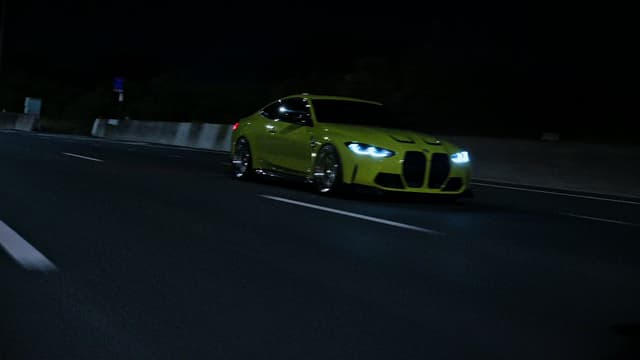
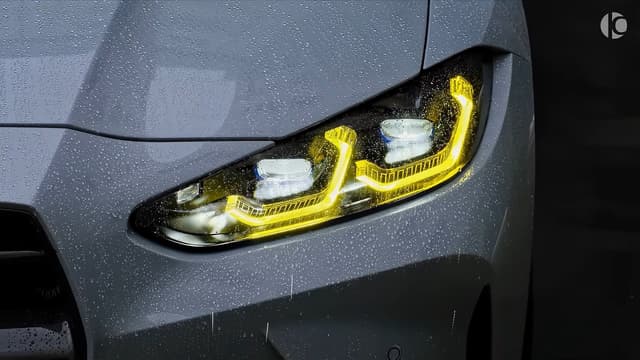
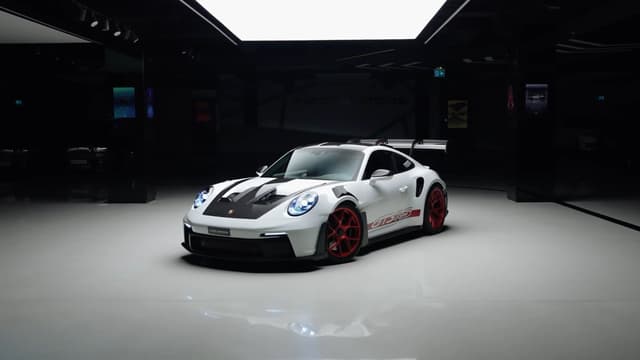
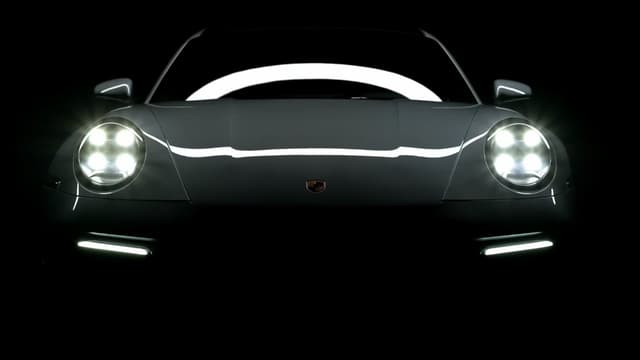
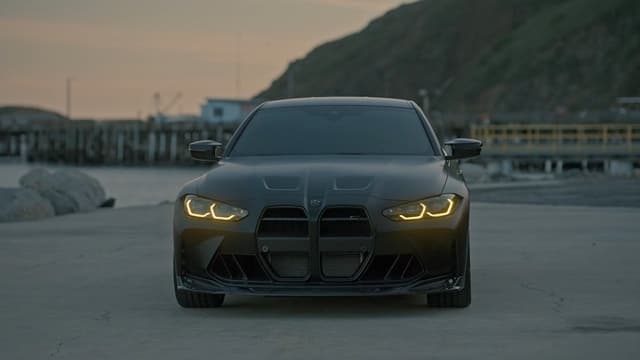
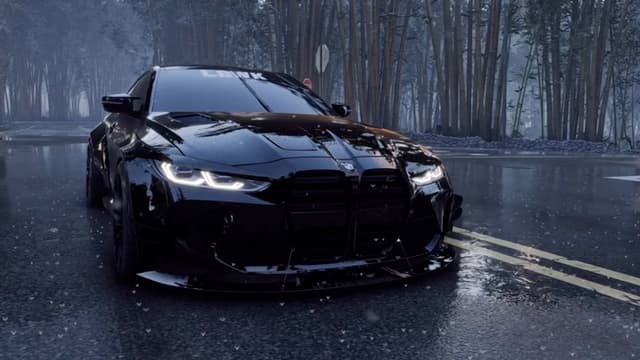
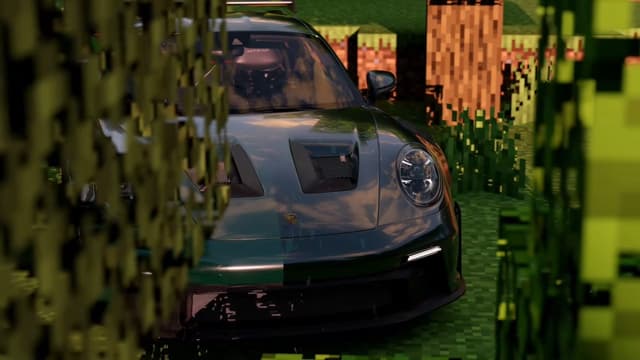
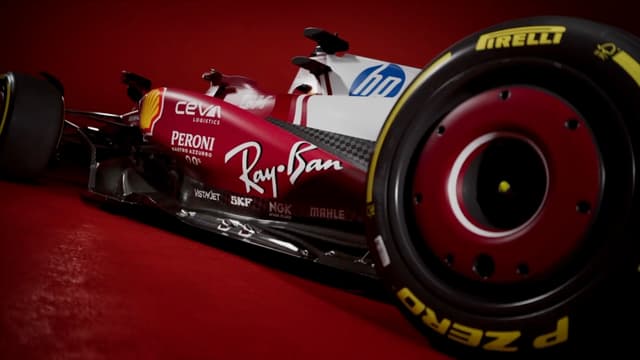
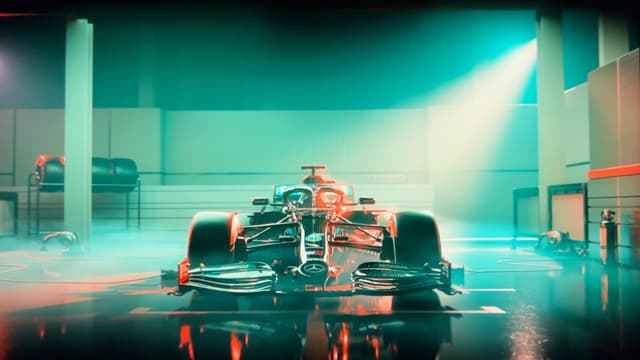
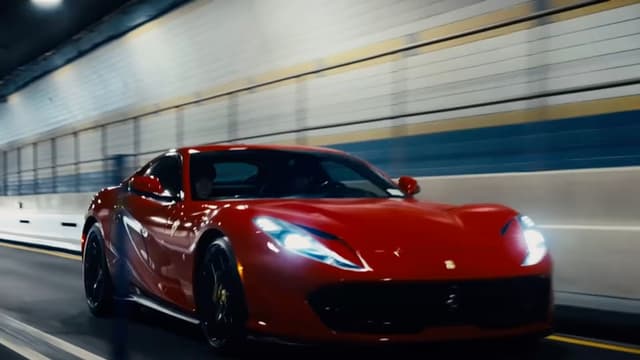
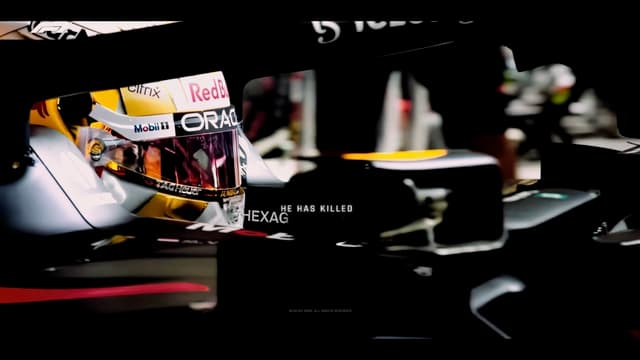
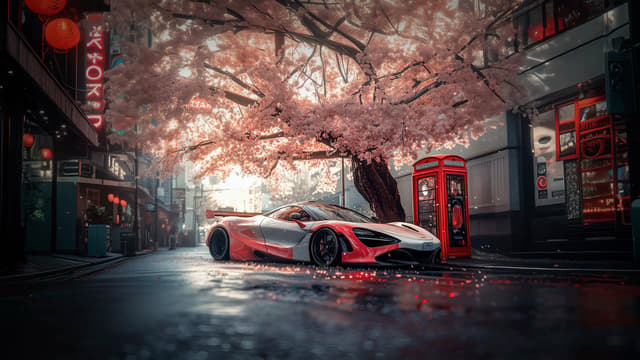
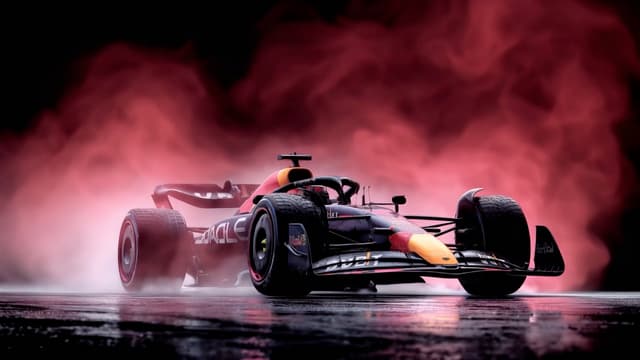
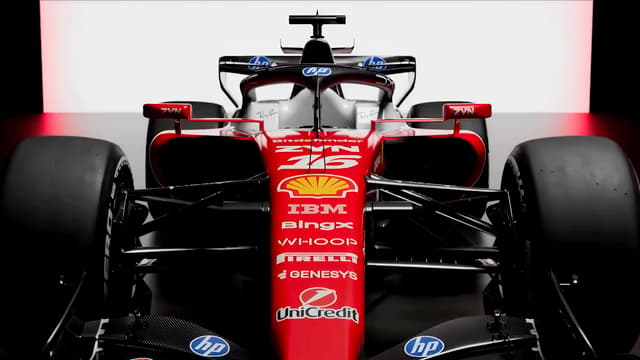
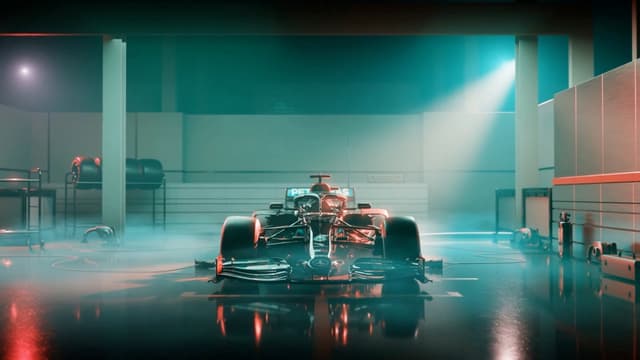
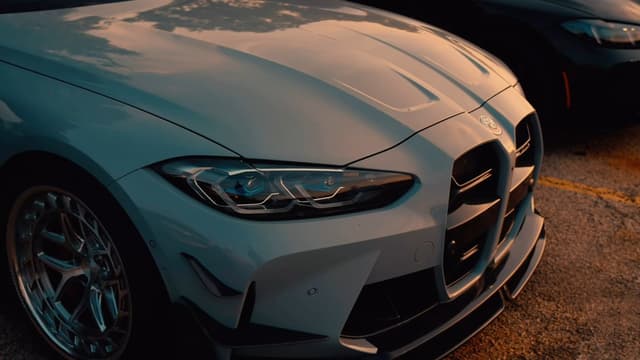
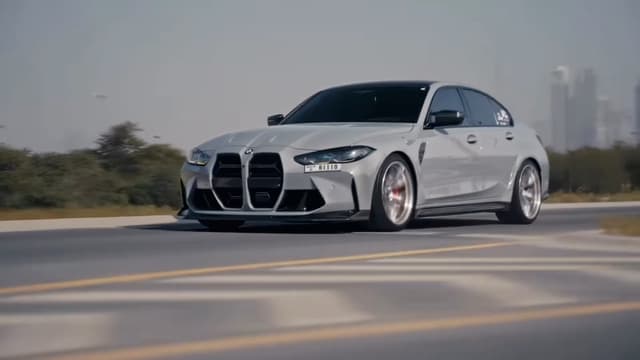
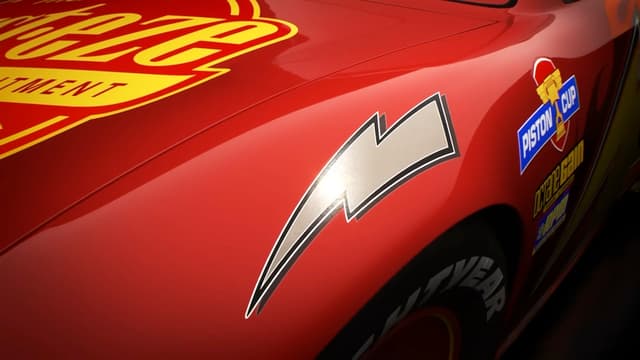
Cars live wallpapers for Mac
Cinematic Cars loops, curated for desktop Macs.
This page lists 162 cars live wallpapers from the MacWall catalog, most-liked first. Every one is a real video loop, not a GIF, and you can preview it here before you install anything. Open a wallpaper to see its resolution, length and file size, then use Set on Mac to send it straight to the app.
How to set one on your Mac
- Download MacWall (macOS 15 or later) and start the free 24-hour trial; it asks for an email, never a card.
- Open a cars wallpaper on this page and click Set on Mac, or find it under Cars in the app.
- Click Set Wallpaper. To use a different loop on another display, click the arrow next to Set Wallpaper and pick the display.
- On macOS 26 (Tahoe) or later, the same loop can play on the Lock Screen and as the Screen Saver.
Before you pick
- Resolution: the catalog is 4K, and each wallpaper page shows its exact size, so you can match it to your display for the sharpest result.
- Ultrawide and multiple displays: a handful of loops are made for ultrawide monitors; others are cropped to fill. Two displays showing the same loop share one player.
- Laptops: playback is decoded in hardware and pauses behind full-screen apps. On battery you can cap it at 1080p or pause it in Low Power Mode from Settings → Power.
Comparing apps first? See live wallpaper apps for Mac compared and how to set a live wallpaper on Mac.
Frequently asked questions
- Are these cars wallpapers free?
- Previewing them here is free. Setting them on your Mac needs MacWall: every download includes a free 24-hour trial, then a one-time Pro license ($12.99 for up to 3 Macs, lower in some regions) keeps the whole catalog unlocked.
- Can I use cars live wallpapers on the Lock Screen?
- Yes, on macOS 26 (Tahoe) or later. On macOS 15 the wallpaper plays on the desktop only.
Try MacWall Now
Download for Mac
Minimum macOS 15.0 or later