Car live wallpapers for Mac
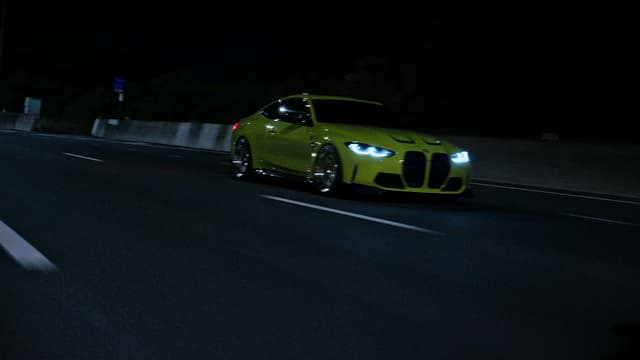
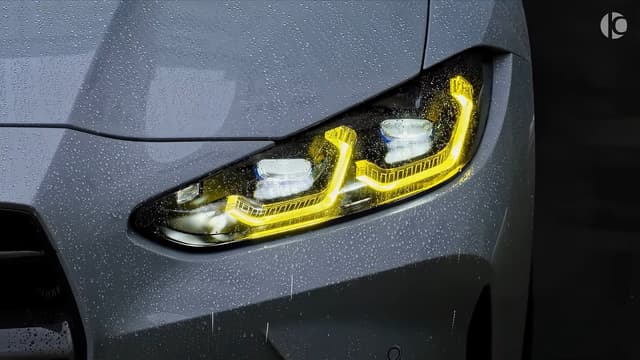
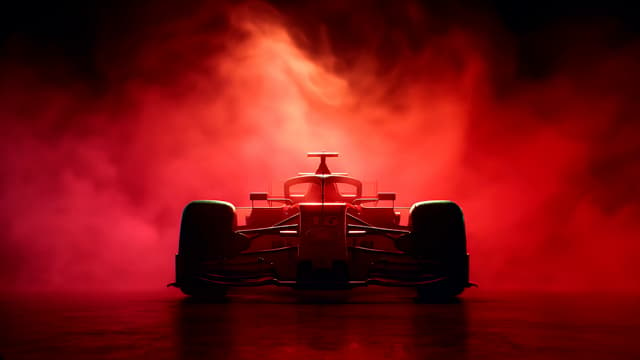
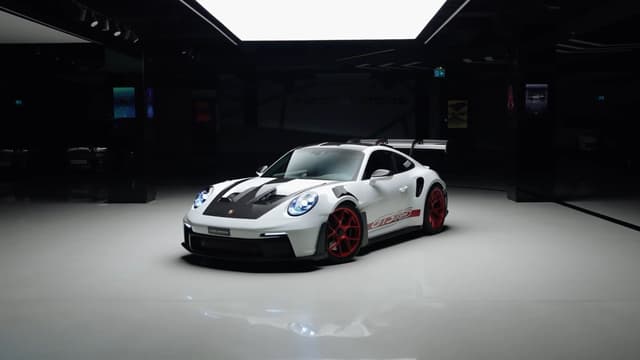
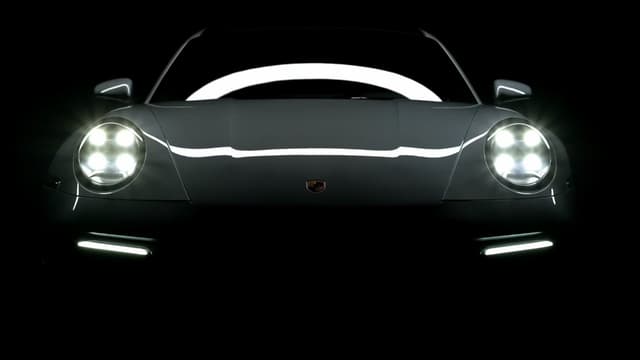
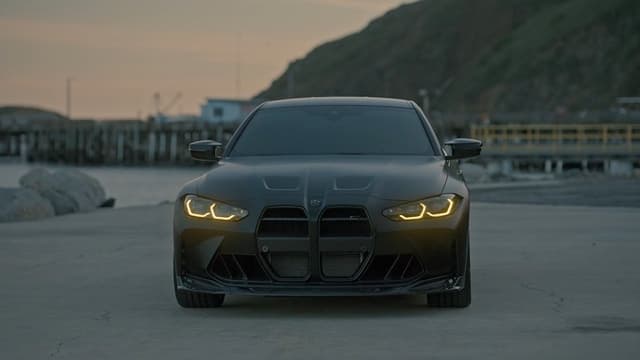
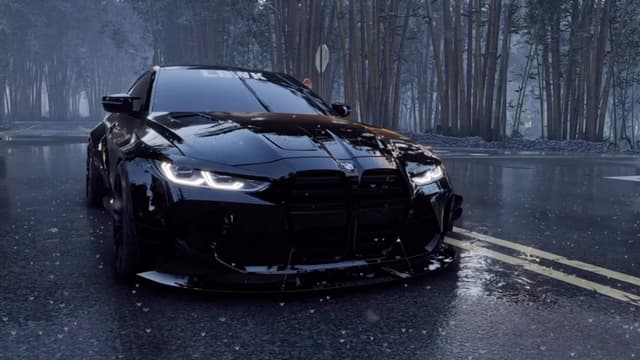
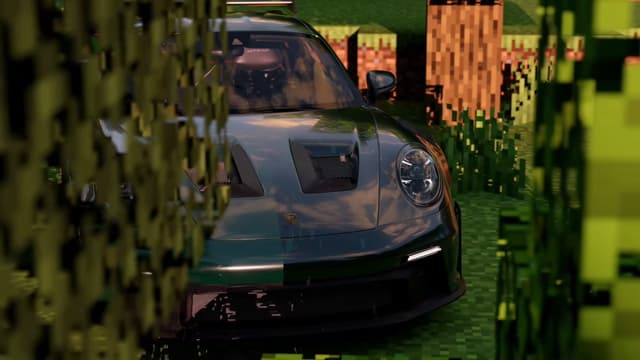
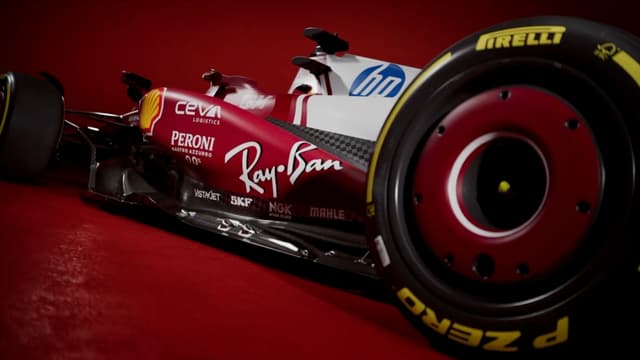
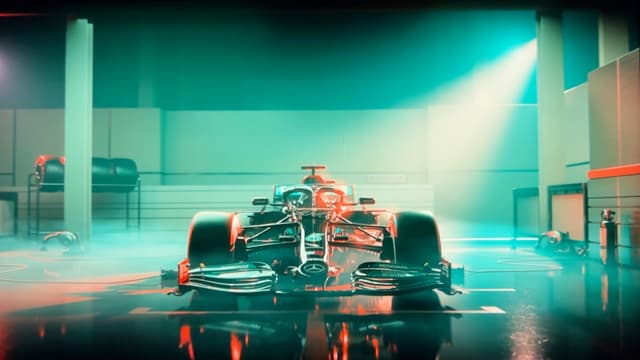
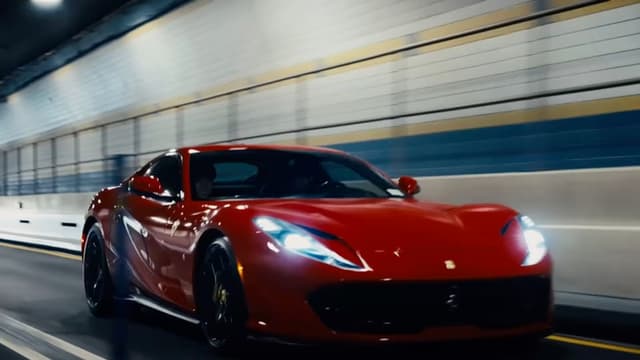
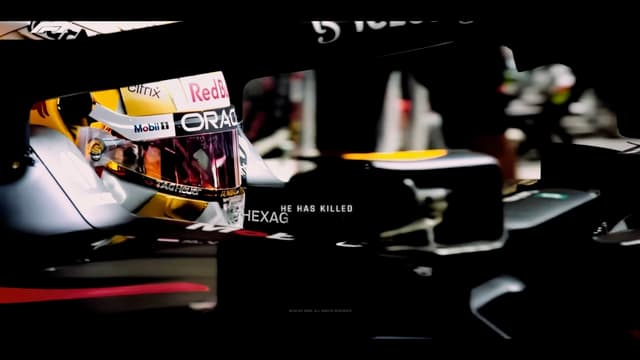
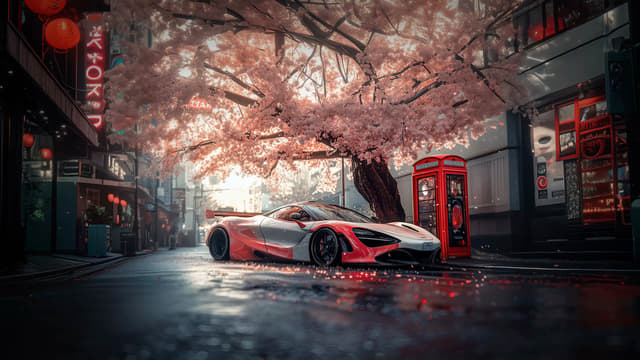
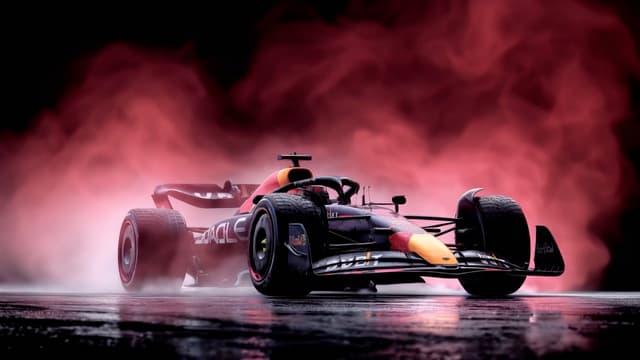
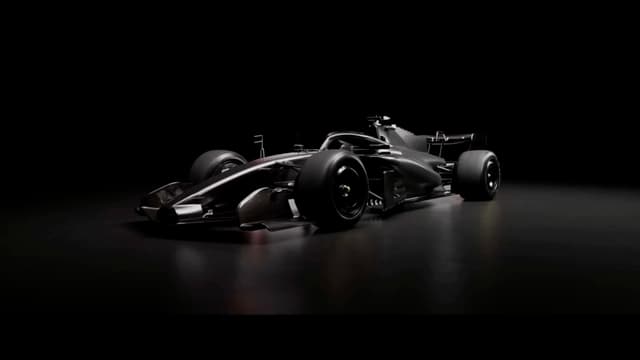
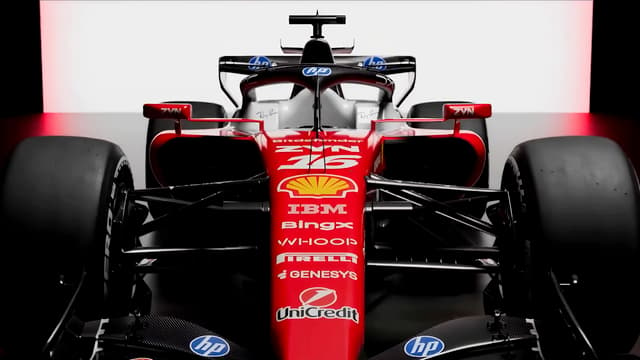
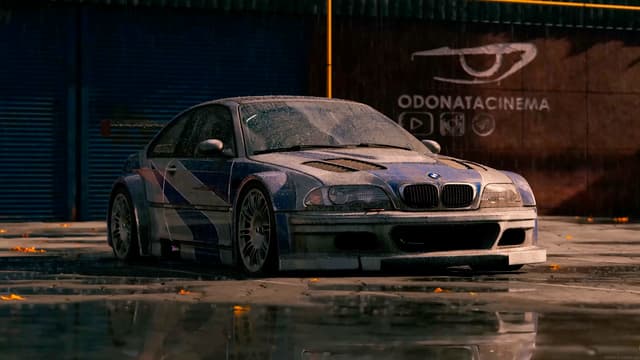
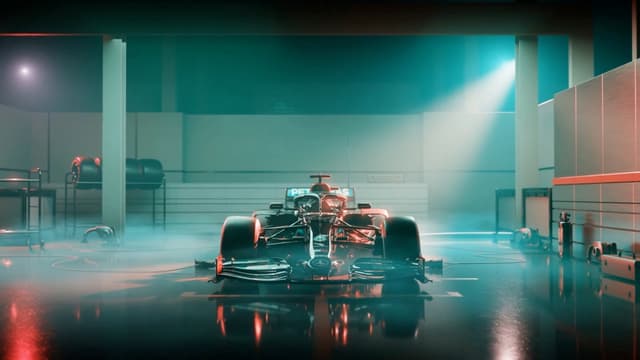
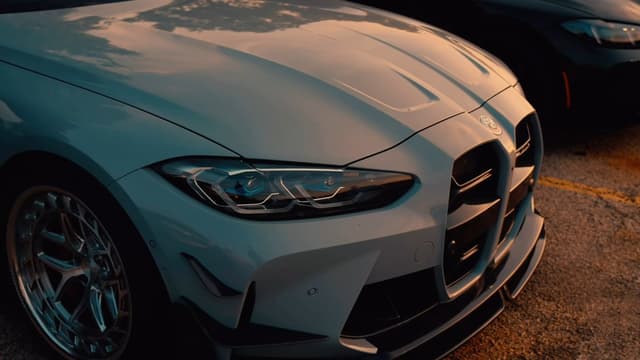
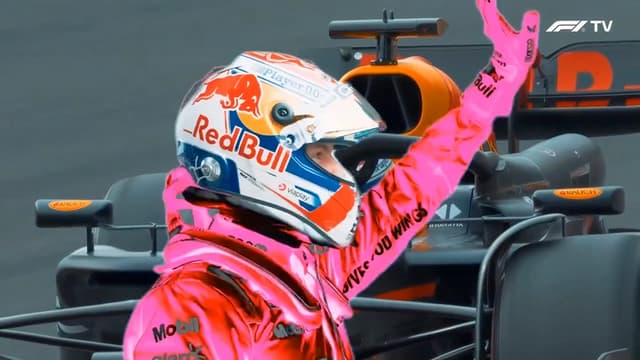
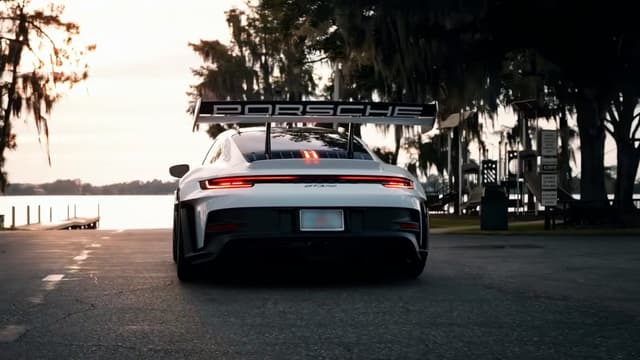
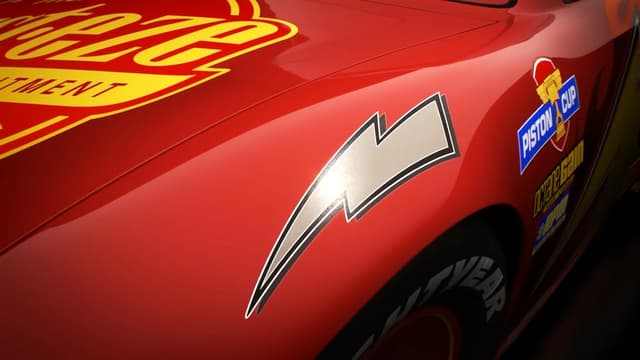
Car live wallpapers turn a Mac desktop into a moving garage: night drives, drifts, Formula 1 cockpits and supercars on rain-soaked streets, as looping video rather than still photos. They are part of MacWall's catalog of 1,000+ live wallpapers, and the collections below group them by JDM, F1, Porsche, BMW, Ferrari, Lamborghini and other supercars. MacWall needs macOS 15 Sequoia or later; on macOS 26 Tahoe or later the same loop can also play on the Lock Screen and as the screen saver. Preview any loop on this page, then download MacWall, open the wallpaper and click Set Wallpaper. The gallery here has all 162 car loops, most popular first.
Love these?Like these on your Mac? Free for 24 hours.
Download free for Mac

How to set one on your Mac
- Download MacWall for macOS 15 or later and start the free 24-hour trial; it asks for an email address, never a card.
- Open a car wallpaper on this page and click Set on Mac, or find it under Cars in the app.
- Click Set Wallpaper. To give another display its own loop, open the menu next to Set Wallpaper and choose the display.
- On macOS 26 Tahoe or later, the same loop also plays on the Lock Screen and as the screen saver. The Lock Screen guide covers the options.
Collections in this category: JDM, F1, Porsche, BMW, Supercars, Ferrari and Lamborghini. Comparing apps first? See live wallpaper apps for Mac, compared.
Frequently asked questions
- Can I put a different car on each display?
- Yes. Open a wallpaper in MacWall, use the menu next to Set Wallpaper and choose the display. Each display plays its own loop, or the same one on all of them.
- Are these official wallpapers from the car brands?
- No. MacWall isn't affiliated with any carmaker or racing team shown, and their names and logos belong to their owners. The loops are for personal use in the MacWall app.
Your desktop is a minute away from moving.
Install the app, pick a wallpaper, set it. No account needed.
Minimum macOS 15.0 or later