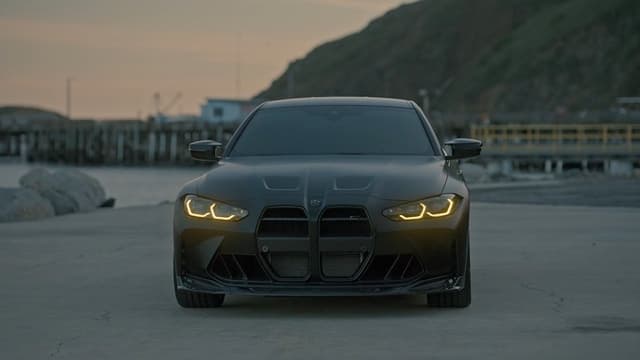
BMW M4 Sunset Front Live Wallpaper for Mac
4K · 16-second loop

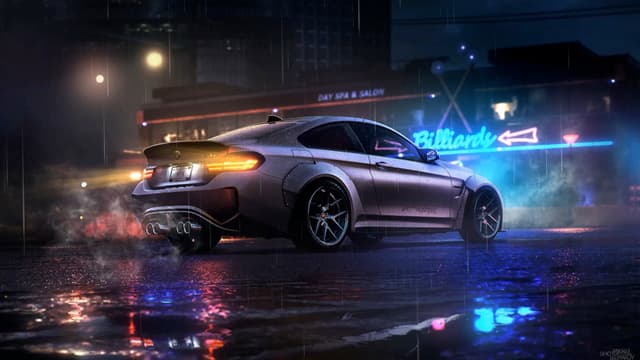
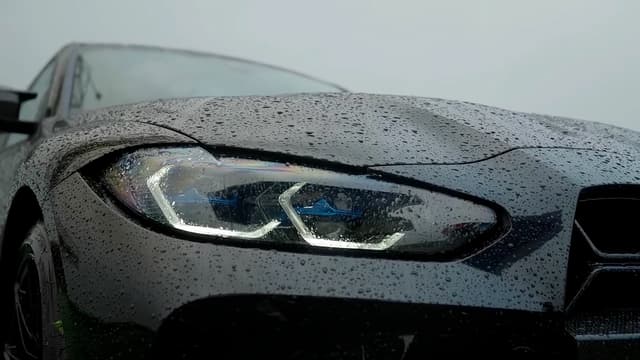
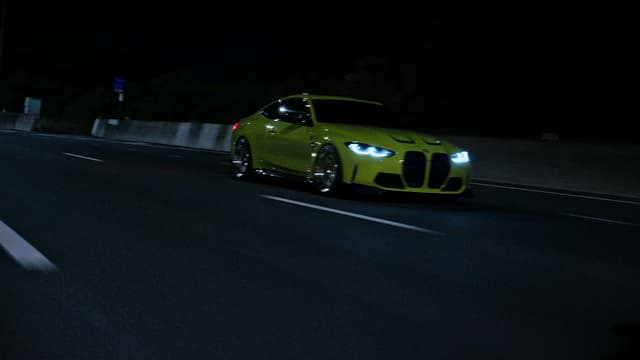
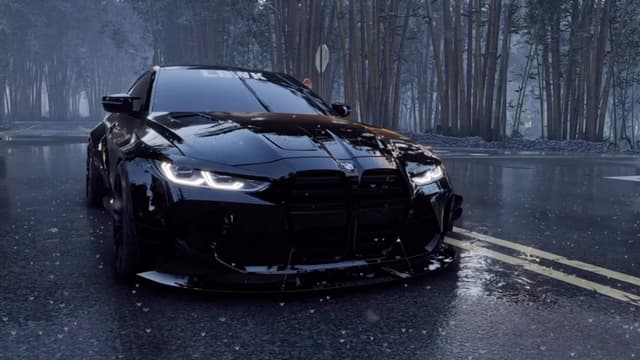
BMW M4 Sunset Front is a 4K car live wallpaper for Mac, part of the BMW collection.
It is encoded at 3832 × 2156 (16:9) and loops every 16 seconds. At that size it fills every current MacBook at or within 5% of native resolution; on the iMac 24″ and Studio Display it is upscaled by up to 34%.
Themes
- sports car
Colours
- black#0f0f11
- deep blue#2e4044
- grey#6b655f
- brown#5e3a26
- orange#b18d77
In collections
Fits these Macs
| Mac | Screen | 3832 × 2156 loop |
|---|---|---|
| MacBook Air 13″ | 2560 × 1664 | Native |
| MacBook Air 15″ | 2880 × 1864 | Native |
| MacBook Pro 14″ | 3024 × 1964 | Native |
| MacBook Pro 16″ | 3456 × 2234 | Near native, 4% upscaled |
| MacBook Neo | 2408 × 1506 | Native |
| iMac 24″ | 4480 × 2520 | Upscaled 17% |
| Studio Display | 5120 × 2880 | Upscaled 34% |
Screen resolutions from Apple's tech specs, read 27 October 2026. Upscaled is how much the loop is enlarged to cover the screen.
Set it up
Set on Mac opens BMW M4 Sunset Front in MacWall (macOS 15 or later); click Set Wallpaper there to put it on your desktop. These guides cover the rest.
BMW M4 Sunset Front FAQ
- How do I set BMW M4 Sunset Front as my Mac wallpaper?
- Download MacWall for macOS 15 or later, choose Set on Mac on this page or search "BMW M4 Sunset Front" in the app, then click Set Wallpaper. On macOS 26 (Tahoe) or later it can also play on the Lock Screen and as the screen saver.
- Is BMW M4 Sunset Front a video or a still wallpaper?
- A video. BMW M4 Sunset Front is a 16-second loop encoded at 3832 × 2156, and MacWall plays it behind your windows as a moving desktop rather than a still image.
More like this
Browse Cars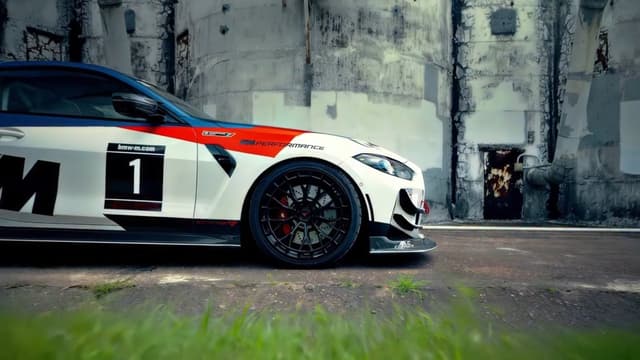


Also in BMW
All BMW wallpapers
Your desktop is a minute away from moving.
Install the app, pick a wallpaper, set it. No account needed.
Minimum macOS 15.0 or later