Porsche 911 Front Glow Live Wallpaper for Mac
4K · 69-second loop

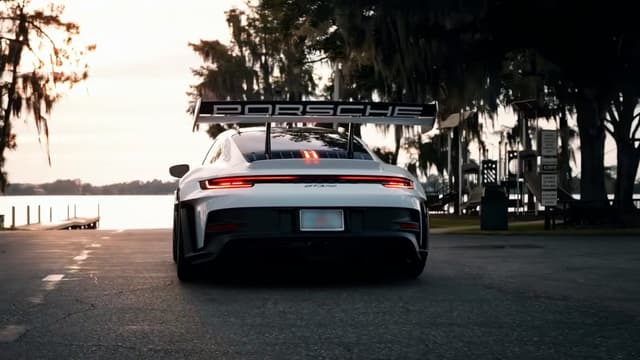
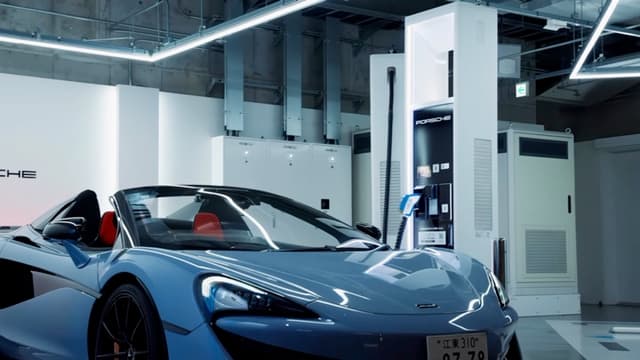
Porsche 911 Front Glow is a 4K car live wallpaper for Mac, part of the Porsche collection.
It is encoded at 3840 × 2160 (16:9) and loops every 69 seconds. At that size it fills every current MacBook at or within 5% of native resolution; on the iMac 24″ and Studio Display it is upscaled by up to 33%.
Themes
- sports car
- front view
- headlights
- dark
Colours
- black#000101
- charcoal#525b5a
- light grey#bcc2bf
In collections
Fits these Macs
| Mac | Screen | 3840 × 2160 loop |
|---|---|---|
| MacBook Air 13″ | 2560 × 1664 | Native |
| MacBook Air 15″ | 2880 × 1864 | Native |
| MacBook Pro 14″ | 3024 × 1964 | Native |
| MacBook Pro 16″ | 3456 × 2234 | Near native, 3% upscaled |
| MacBook Neo | 2408 × 1506 | Native |
| iMac 24″ | 4480 × 2520 | Upscaled 17% |
| Studio Display | 5120 × 2880 | Upscaled 33% |
Screen resolutions from Apple's tech specs, read 27 October 2026. Upscaled is how much the loop is enlarged to cover the screen.
Set it up
Set on Mac opens Porsche 911 Front Glow in MacWall (macOS 15 or later); click Set Wallpaper there to put it on your desktop. These guides cover the rest.
Porsche 911 Front Glow FAQ
- How do I set Porsche 911 Front Glow as my Mac wallpaper?
- Download MacWall for macOS 15 or later, choose Set on Mac on this page or search "Porsche 911 Front Glow" in the app, then click Set Wallpaper. On macOS 26 (Tahoe) or later it can also play on the Lock Screen and as the screen saver.
- Is Porsche 911 Front Glow a video or a still wallpaper?
- A video. Porsche 911 Front Glow is a 69-second loop encoded at 3840 × 2160, and MacWall plays it behind your windows as a moving desktop rather than a still image.
More like this
Browse Cars

Also in Porsche
All Porsche wallpapers

Your desktop is a minute away from moving.
Install the app, pick a wallpaper, set it. No account needed.
Minimum macOS 15.0 or later