Mercedes-benz S-class Motion Live Wallpaper for Mac
1080p · 3-minute 34-second loop

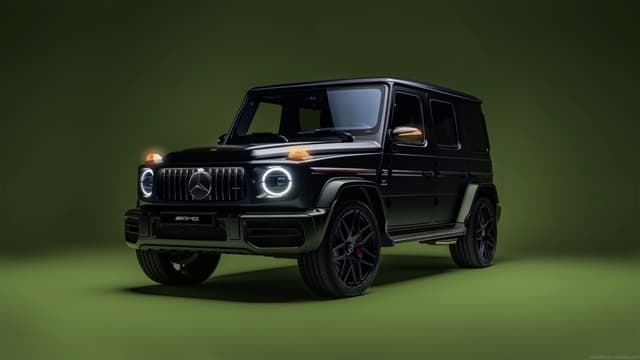
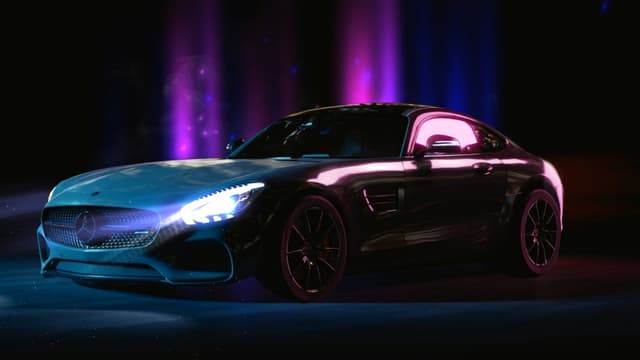
Mercedes-benz S-class Motion is a 1080p car live wallpaper for Mac, part of the Mercedes-AMG collection.
It is encoded at 1920 × 1080 (16:9) and loops every 3 minutes 34 seconds. At that size it is upscaled on every current Mac screen, by 39% to 167%.
Themes
- sedan
Colours
- charcoal#293034
- off-white#cfd3d5
- black#0f161b
- grey#9aa3ab
In collections
Fits these Macs
| Mac | Screen | 1920 × 1080 loop |
|---|---|---|
| MacBook Air 13″ | 2560 × 1664 | Upscaled 54% |
| MacBook Air 15″ | 2880 × 1864 | Upscaled 73% |
| MacBook Pro 14″ | 3024 × 1964 | Upscaled 82% |
| MacBook Pro 16″ | 3456 × 2234 | Upscaled 107% |
| MacBook Neo | 2408 × 1506 | Upscaled 39% |
| iMac 24″ | 4480 × 2520 | Upscaled 133% |
| Studio Display | 5120 × 2880 | Upscaled 167% |
Screen resolutions from Apple's tech specs, read 27 October 2026. Upscaled is how much the loop is enlarged to cover the screen.
Set it up
Set on Mac opens Mercedes-benz S-class Motion in MacWall (macOS 15 or later); click Set Wallpaper there to put it on your desktop. These guides cover the rest.
Mercedes-benz S-class Motion FAQ
- How do I set Mercedes-benz S-class Motion as my Mac wallpaper?
- Download MacWall for macOS 15 or later, choose Set on Mac on this page or search "Mercedes-benz S-class Motion" in the app, then click Set Wallpaper. On macOS 26 (Tahoe) or later it can also play on the Lock Screen and as the screen saver.
- Is Mercedes-benz S-class Motion a video or a still wallpaper?
- A video. Mercedes-benz S-class Motion is a 3-minute 34-second loop encoded at 1920 × 1080, and MacWall plays it behind your windows as a moving desktop rather than a still image.
More like this
Browse Cars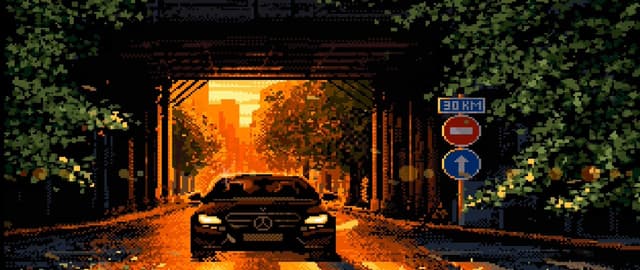






Your desktop is a minute away from moving.
Install the app, pick a wallpaper, set it. No account needed.
Minimum macOS 15.0 or later