Anime live wallpapers for Mac
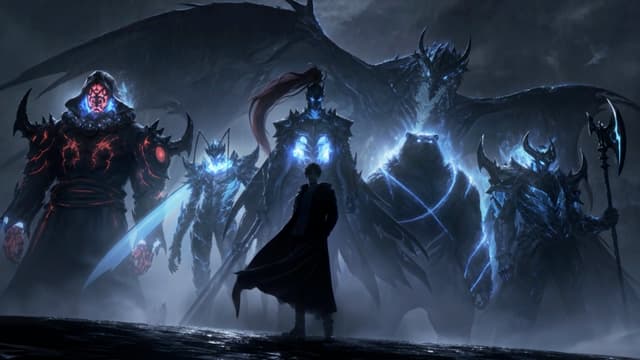
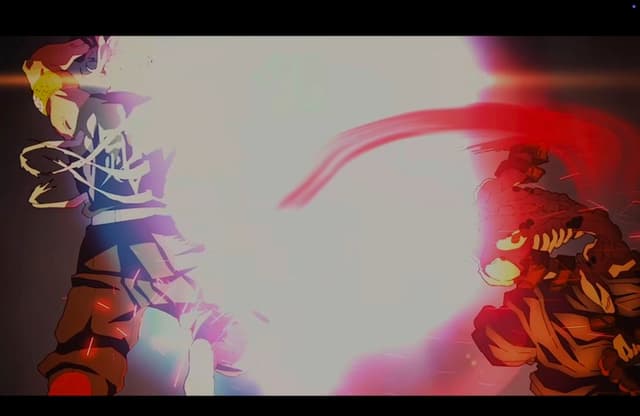
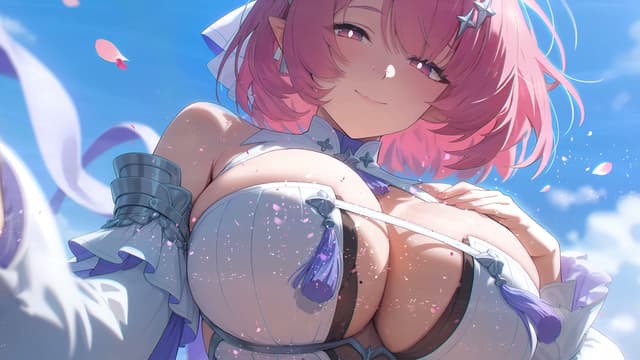
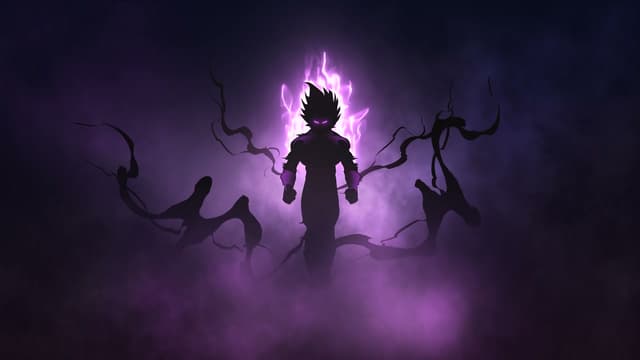
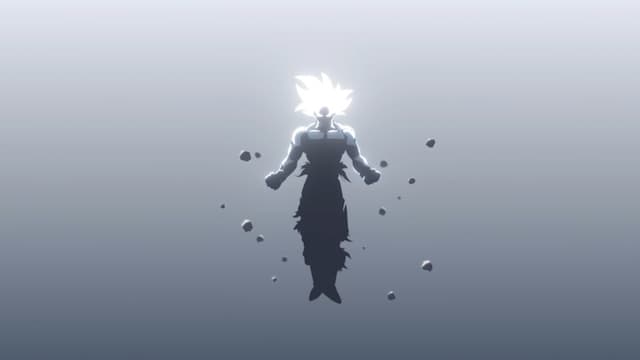
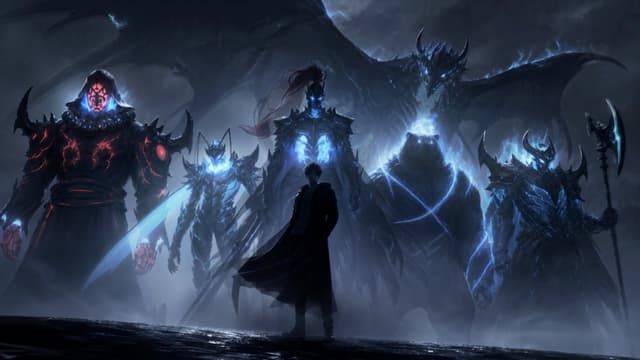
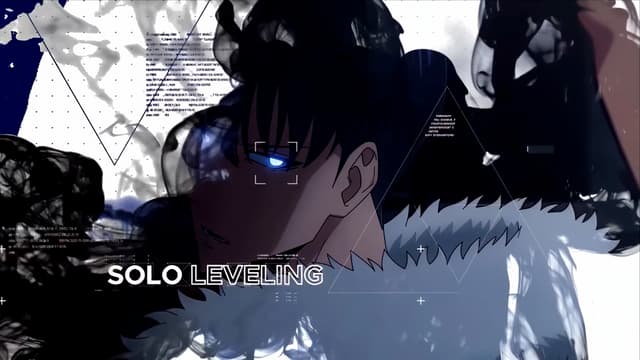
These are anime live wallpapers made for Mac, not Windows: video loops that play behind your windows on macOS 15 Sequoia or later, and on the Lock Screen and as the screen saver on macOS 26 Tahoe or later. Anime is the largest category in MacWall's catalog of 1,000+ live wallpapers, with fight scenes, character close-ups and quiet lofi rooms from series such as Jujutsu Kaisen, Naruto, One Piece and Demon Slayer. Preview any loop on this page, then download MacWall, open the wallpaper and click Set Wallpaper. On a MacBook with an external display, the menu next to Set Wallpaper gives each screen its own loop. The gallery here has all 326 anime loops, most popular first.
Love these?Like these on your Mac? Free for 24 hours.
Download free for Mac


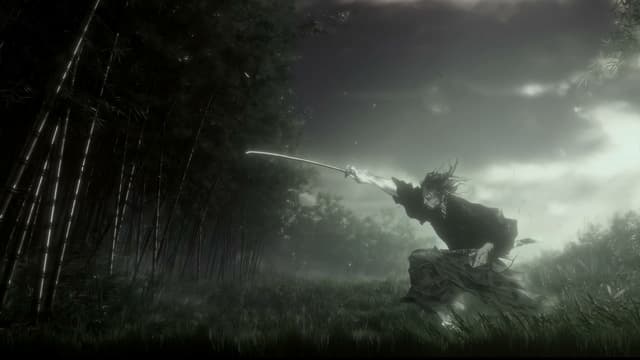
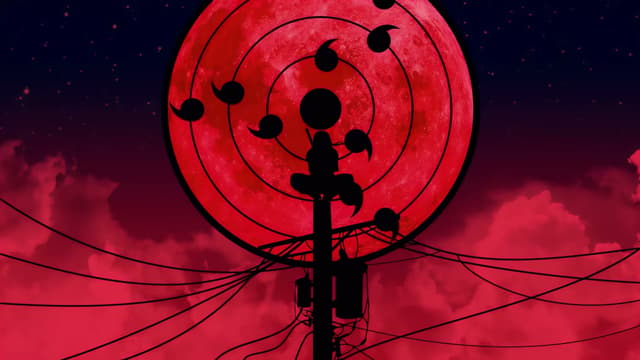
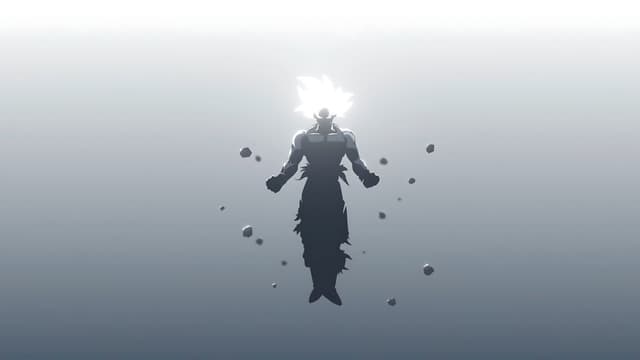



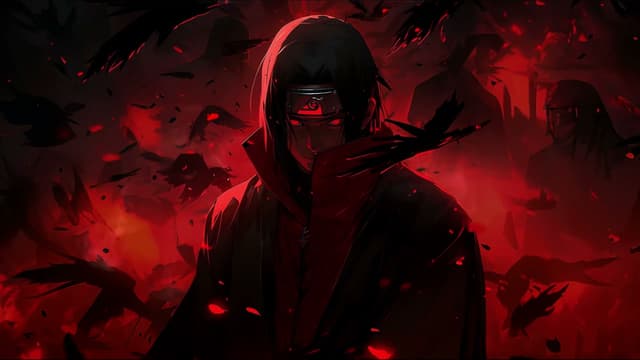







How to set one on your Mac
- Download MacWall for macOS 15 or later and start the free 24-hour trial; it asks for an email address, never a card.
- Open an anime wallpaper on this page and click Set on Mac, or find it under Anime in the app.
- Click Set Wallpaper. To give another display its own loop, open the menu next to Set Wallpaper and choose the display.
- On macOS 26 Tahoe or later, the same loop also plays on the Lock Screen and as the screen saver. The Lock Screen guide covers the options.
Collections in this category: Jujutsu Kaisen, Naruto, One Piece, Demon Slayer, Goku, Aesthetic and Anime Girl. Comparing apps first? See live wallpaper apps for Mac, compared.
Frequently asked questions
- Do anime live wallpapers work on a MacBook?
- Yes. MacWall plays them on any Mac with macOS 15 Sequoia or later, MacBook Air and MacBook Pro included, on Apple silicon and Intel. On battery, Settings → Battery & Performance can pause the wallpaper or lower its quality.
- Can I use my Wallpaper Engine anime wallpapers on a Mac?
- Not in MacWall: it can't open Wallpaper Engine projects. Its anime loops are its own catalog, and with Pro you can import MP4, MOV or M4V clips you made or have the rights to use.
- Are these official wallpapers from the anime studios?
- No. MacWall isn't affiliated with the studios or publishers of the series shown, and the characters belong to their owners. The loops are for personal use in the MacWall app.
Your desktop is a minute away from moving.
Install the app, pick a wallpaper, set it. No account needed.
Minimum macOS 15.0 or later