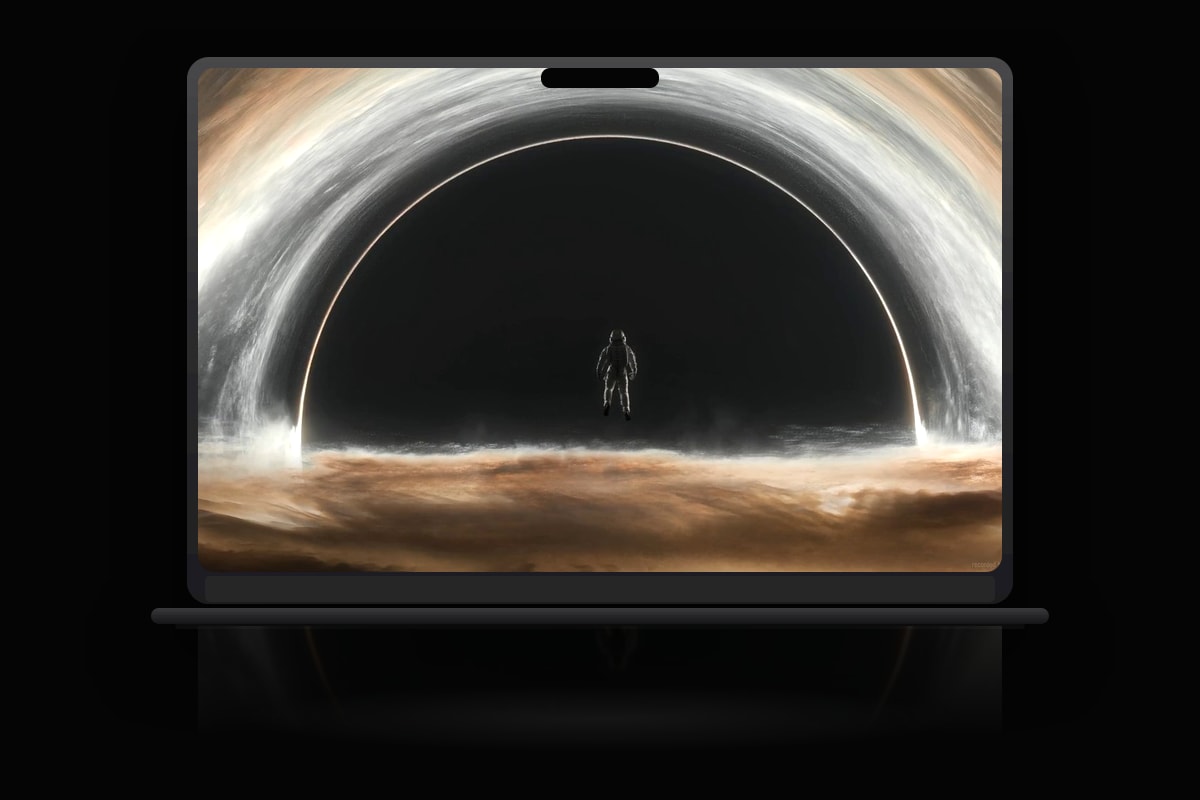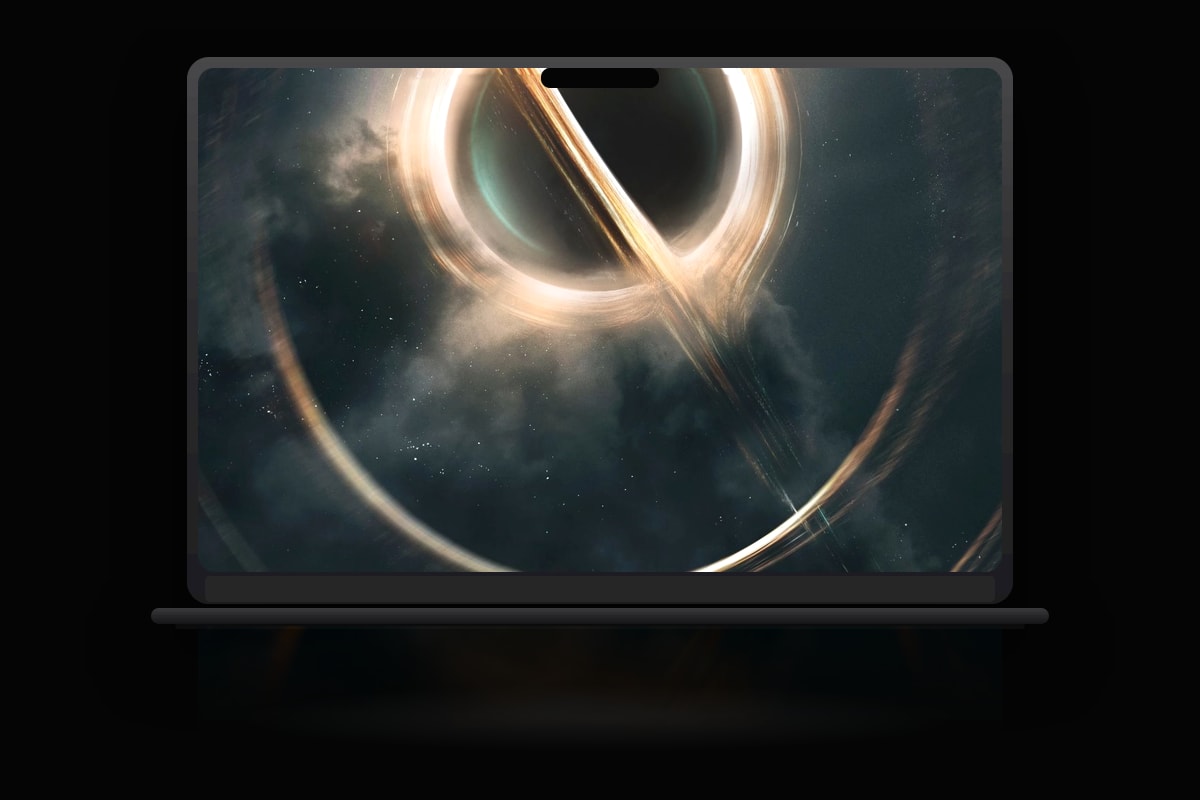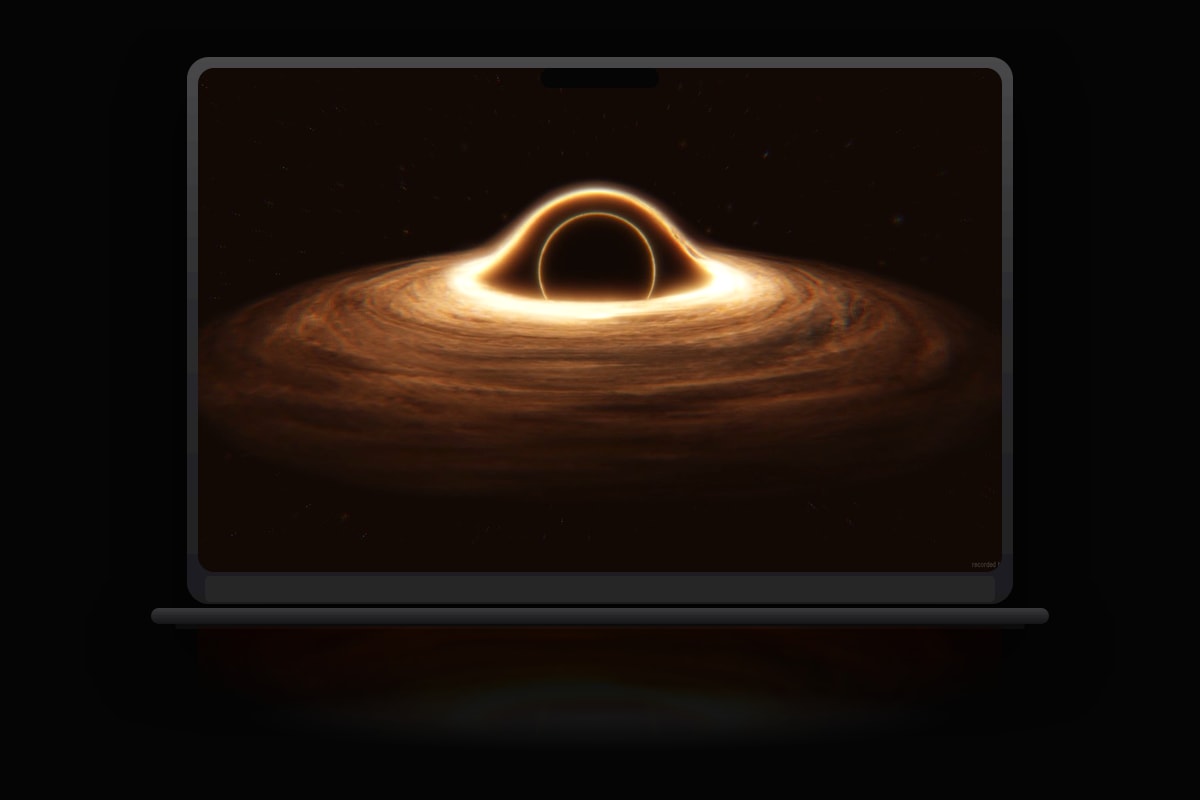
Most wallpaper apps on Mac are ports. Electron shells, web views, or Windows code in compatibility layers. MacWall is native macOS software. That is not marketing fluff; it is why playback stays smooth when you have twenty Safari tabs open.
Hardware-accelerated video decode
MacWall decodes video on the GPU using Apple's media stack. On M1, M2, M3, and M4 Macs, this means fractions of a CPU core instead of software rendering that competes with your actual work.
Menu bar-first design
Real Mac utilities live in the menu bar. MacWall follows that pattern: pause, resume, and switch wallpapers without a floating window cluttering your desktop.
Intelligent pause rules
- Pause when on battery power
- Pause when any app goes full screen
- Per-display players, one decoder per monitor
- Respects reduced motion accessibility settings
Community + imports
Curated catalog lanes plus unlimited personal imports. You are not locked into a closed library. Upload, share, and discover, the catalog grows daily.
Fair pricing
One-time $7.99, not a monthly subscription. Lifetime updates on up to 3 Macs (Pro Plus: 5). Make a Reel with #macwall and earn your money back.