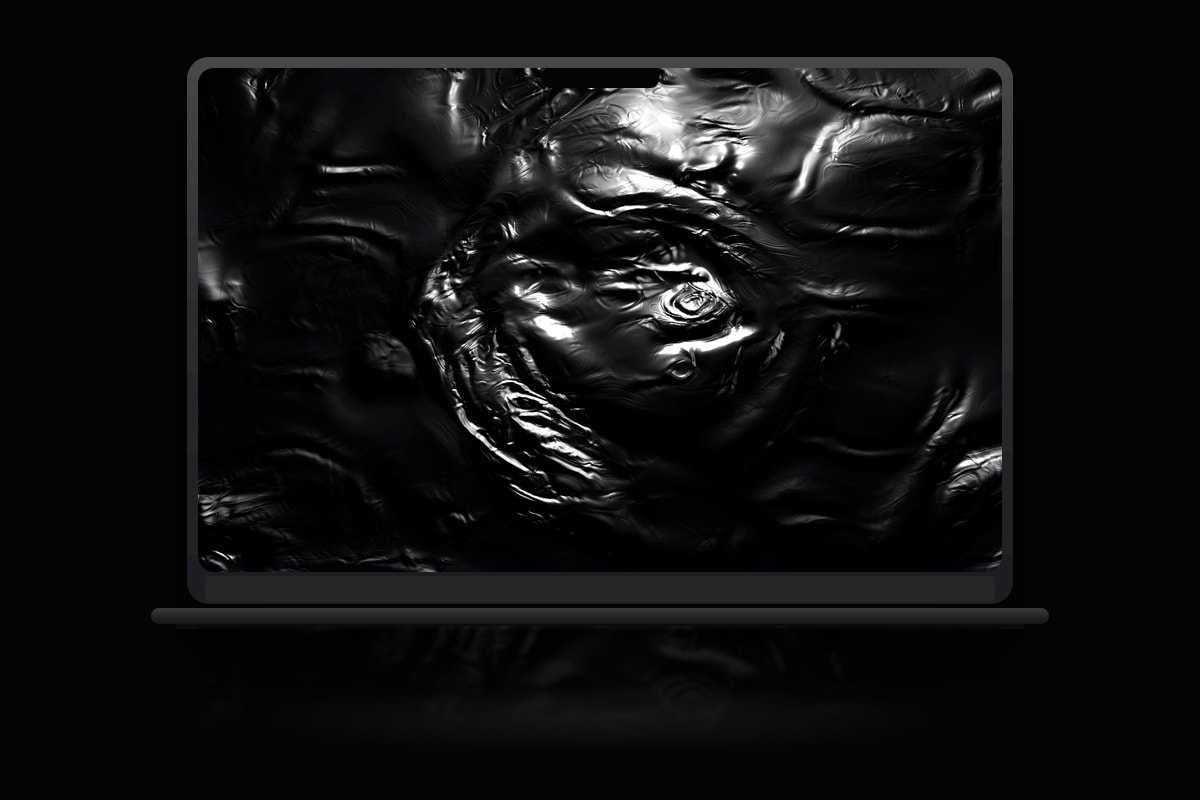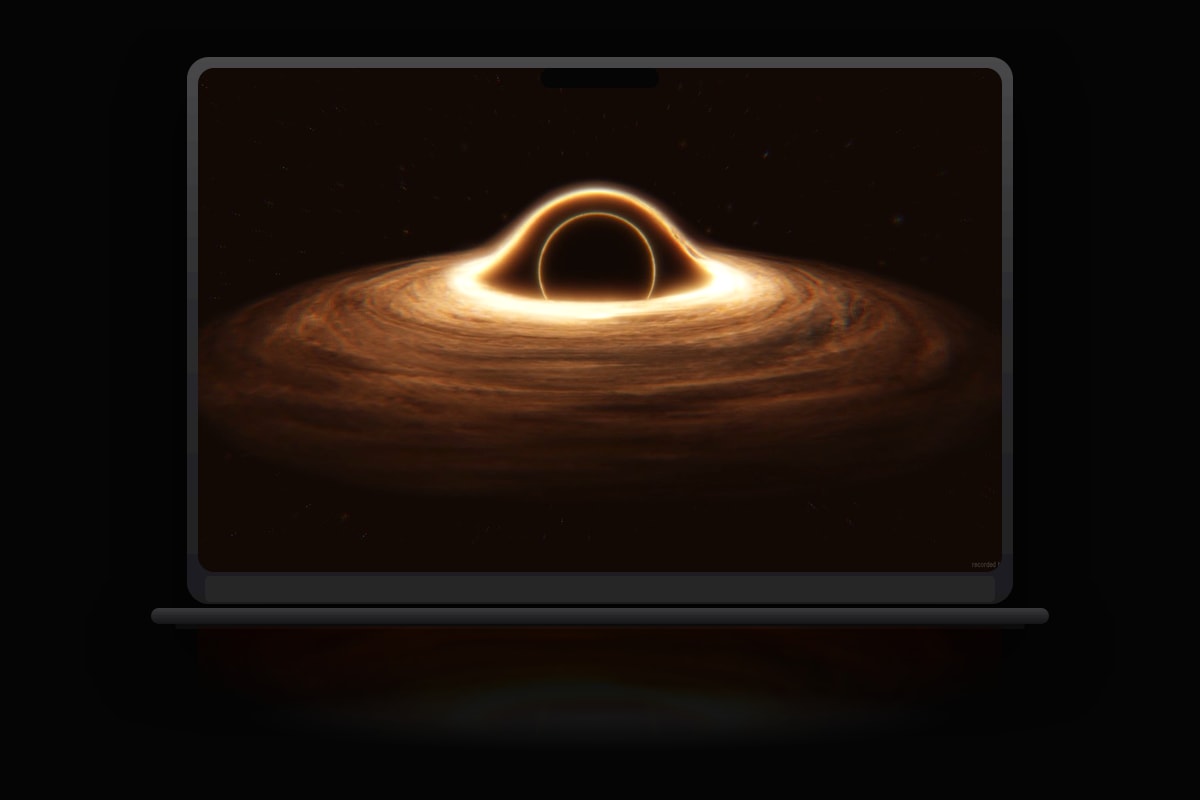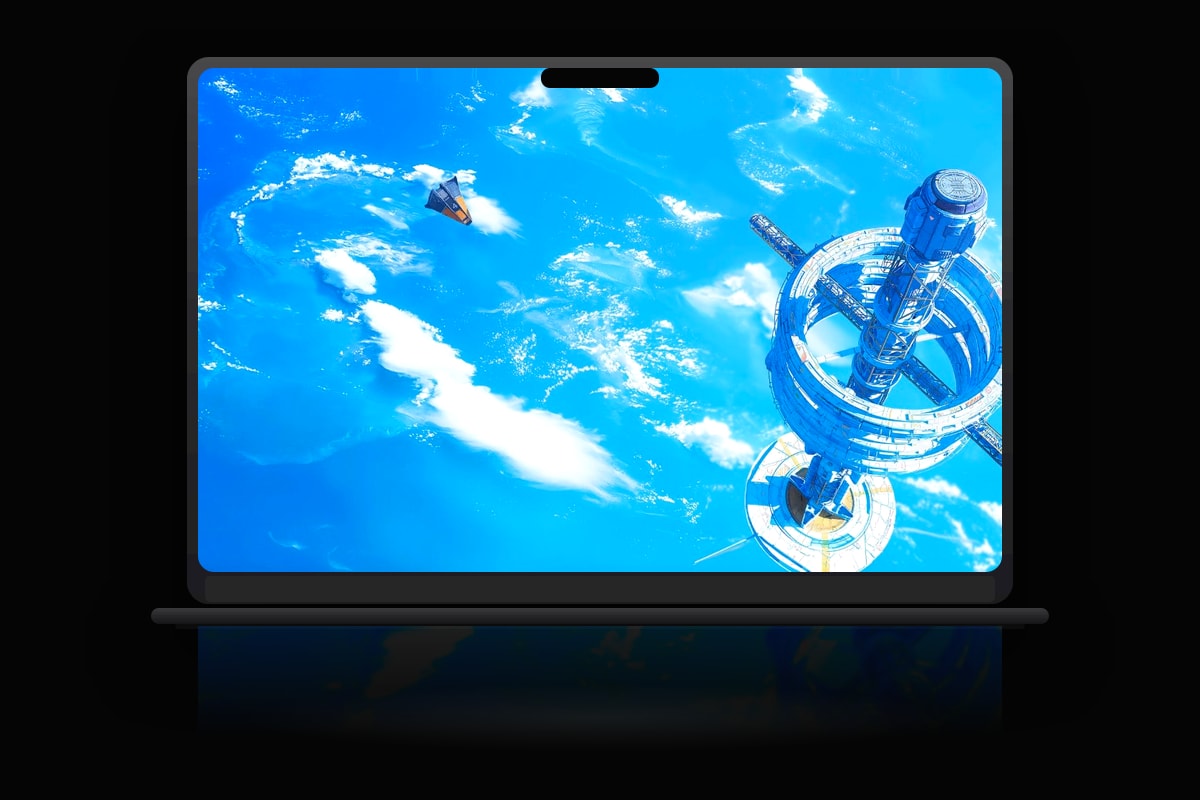
Wallpaper Engine dominates Windows with interactive scenes and a massive Workshop library. On Mac, you need a native alternative, not a Wine wrapper. MacWall is built for macOS from the ground up with SwiftUI, Metal decode, and menu bar controls.
Can Wallpaper Engine run on Mac?
There is no official Mac version. Some tools parse .pkg scene files via compatibility layers, but that adds complexity and CPU overhead. MacWall focuses on what 95% of users actually want: beautiful video loops that play smoothly behind desktop windows.
MacWall vs Wallpaper Engine philosophy
- Wallpaper Engine: interactive scenes, Workshop, Windows-first
- MacWall: native video wallpapers, community catalog, macOS-first
- MacWall: pause on battery/full screen, built for laptop life
- MacWall Pro: Lock Screen video where Apple allows it
Migrating your library
Export or download MP4 versions of your favorite loops, then import into MacWall. Browse our catalog for fresh 4K content across nine categories. MacWall is the better daily driver for native performance.